
Bulk Meeting Creation in Testpress

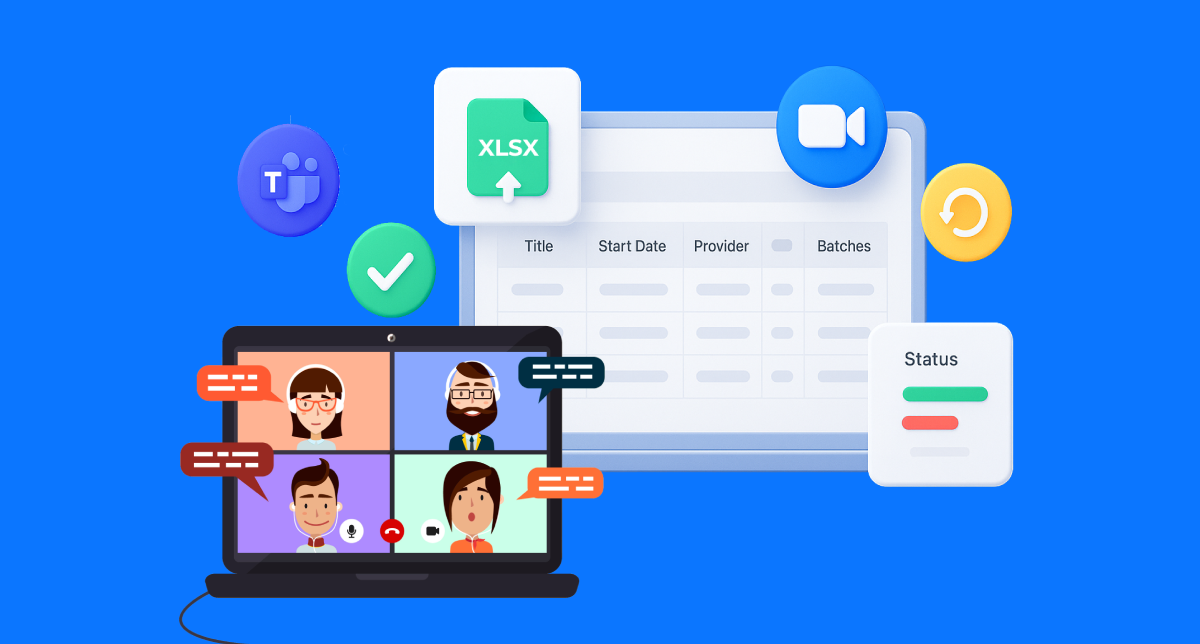
You can now create 100+ video meetings in minutes instead of hours. Upload a single file, map meetings to the right courses and chapters using plain-English paths, and let the system handle Zoom, Teams, validation, and setup automatically.
You’re in the middle of monthly training setup.
You’ve got 80 sessions to create.
Multiple courses, Multiple chapters, Different hosts, Mixed Zoom and Teams.
You open your calendar tool and start clicking.
Again and again and again.
The problem is clear:
By the time you finish, something will be wrong. A meeting in the wrong chapter,
A missing invite, The wrong host.
Now:
What if you could upload one file and be done in minutes?
That’s exactly why we built Bulk Meeting Creation.
What’s New
Bulk Meeting Creation lets admins generate dozens or hundreds of video sessions at once by uploading a simple Excel file.
-No more one-by-one setup.
-No more repetitive data entry.
-No more guessing whether a session landed in the right chapter.
With one upload, you can:
- Create meetings across Zoom and Microsoft Teams
- Assign each meeting to one or multiple courses and chapters
- Apply consistent settings across all sessions
- Track progress and errors in real time
And yes, it works at enterprise scale.
Why It Matters
This feature was designed for teams creating 70–200+ sessions per month.
Here’s the impact admins are already seeing:
- 90% less setup time for recurring training programs
- Zero misfiled sessions thanks to path-based placement
- Consistent meeting settings across every session
- Fewer errors with row-level validation and clear reports
Instead of spending hours clicking through forms, admins can focus on what actually matters: running great training.
The big win: one meeting can now live in multiple chapters or courses at once. Create it once. Place it everywhere.
How It Works ?
Let me show you how it works.
- Go to the Live Classes section in your Admin Panel

- Open the dropdown from Action and select Bulk Create Classes.

- Upload all your live class details in one go. Just download the Sample XLS File, fill in the class info (title, batches, time, duration), upload it back, and the system auto-creates all your classes.

- Once you upload the file, you’ll see a confirmation message and you can check the progress.

- Watch progress in real time. You’ll see live updates like succeeded or failed

- Download the final report. Get a success summary plus a detailed error file with row-by-row feedback.

\
Frequently Asked Questions
Can I mix Zoom and Teams in the same upload?
Yes. Just specify the provider in each row. One file handles everything.
What happens if a meeting path is wrong?
That row fails, and you’ll see exactly why in the error report.
Can one meeting appear in multiple courses?
Absolutely. Use ; to assign multiple paths in a single row.
Bulk Meeting Creation is available now for admins.
Upload your first file, create 50+ sessions in minutes, and never build meetings one-by-one again. If you have questions, our team is ready to help you get set up fast.
Have questions? Our team’s here to help - reach out to support.