
Introducing In-App Course Feedback in Testpress

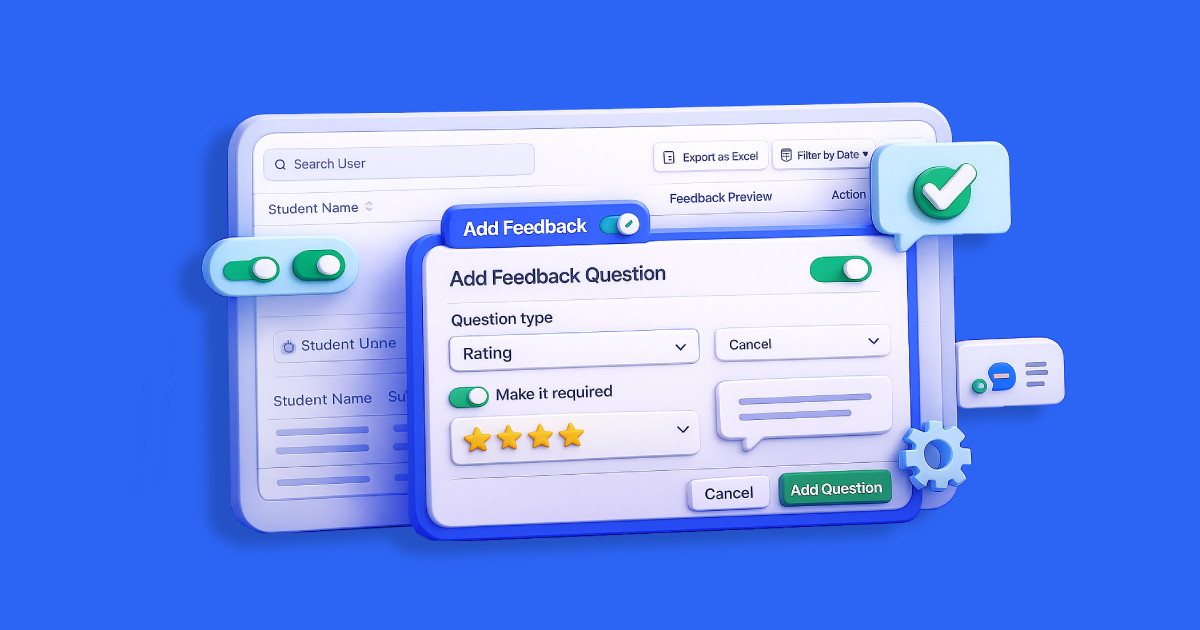
We’ve launched a new in-app feedback system that helps institutes collect structured course feedback directly from students. Admins can now enable, customize, and manage feedback effortlessly gaining clear insights into course quality and student satisfaction.
You’re an admin at an educational institute.
The semester has just ended, and it’s time to understand how students really felt about the course.
But there’s a problem:
You’ve been using tools like Google Forms to gather responses, and it’s messy, hard to track, and response rates are always low. Students forget, or simply don’t bother to complete long surveys.
Over time, this makes it difficult to understand what’s really working in your courses or where improvements are needed.
That’s what we fixed:
A built-in, seamless way to collect meaningful feedback from students right inside your learning platform.
You can customize the questions, decide which ones are required, and easily view the results directly from the admin panel.
What’s New
We’re introducing an in-app feedback system designed to help institutes collect structured, actionable insights directly from students after course completion.
Admins can now:
- Enable or disable feedback for each course directly from the admin panel.
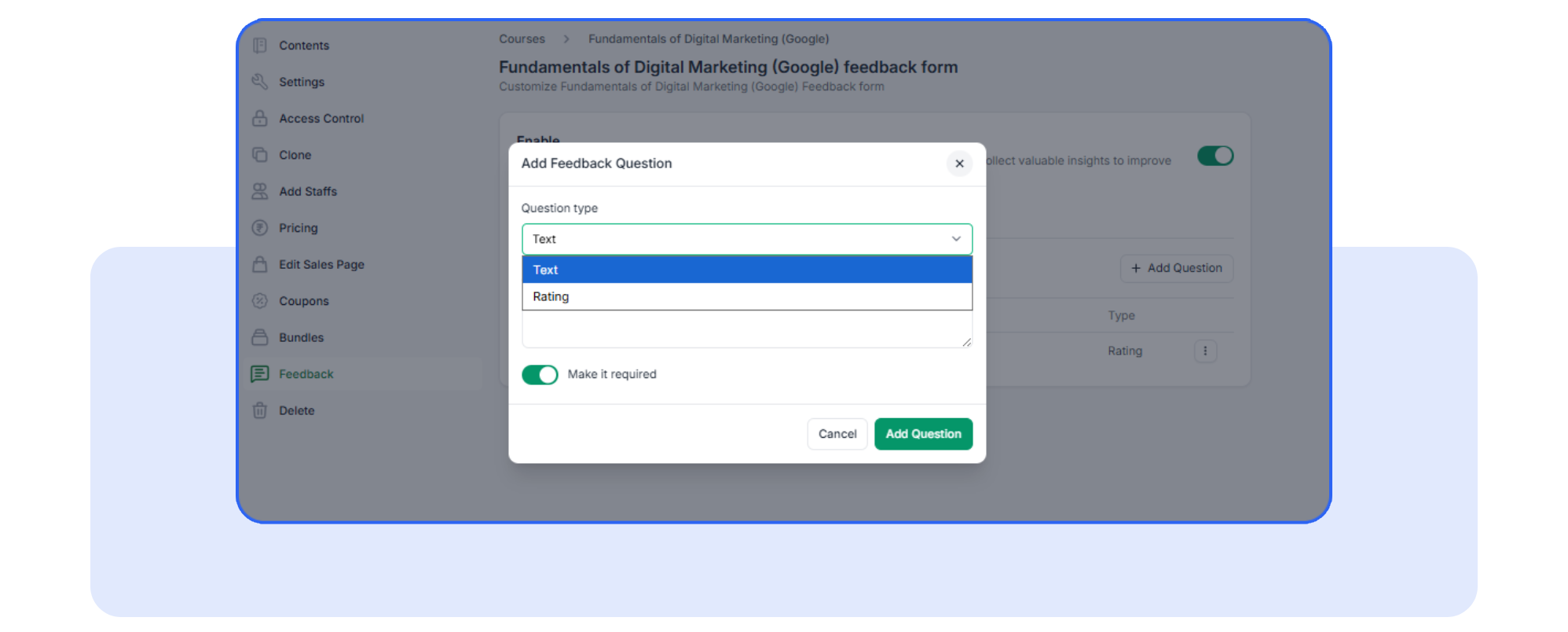
- Add, edit, or remove feedback questions: Choose from star ratings (1-5) or open-ended text responses.
- Mark questions as required to ensure you get critical feedback from every student.
The feedback form will only appear after course completion and will only be shown once per student, preventing duplicate responses.
Why It Matters
Here’s why this update is a game-changer for your institution:
- Save time: No more relying on third-party tools or manually tracking feedback.
- Increase response rates: Students will provide feedback directly within the platform after completing a course.
- Gain valuable insights: Track course quality, instructor performance, and student satisfaction all in one place.
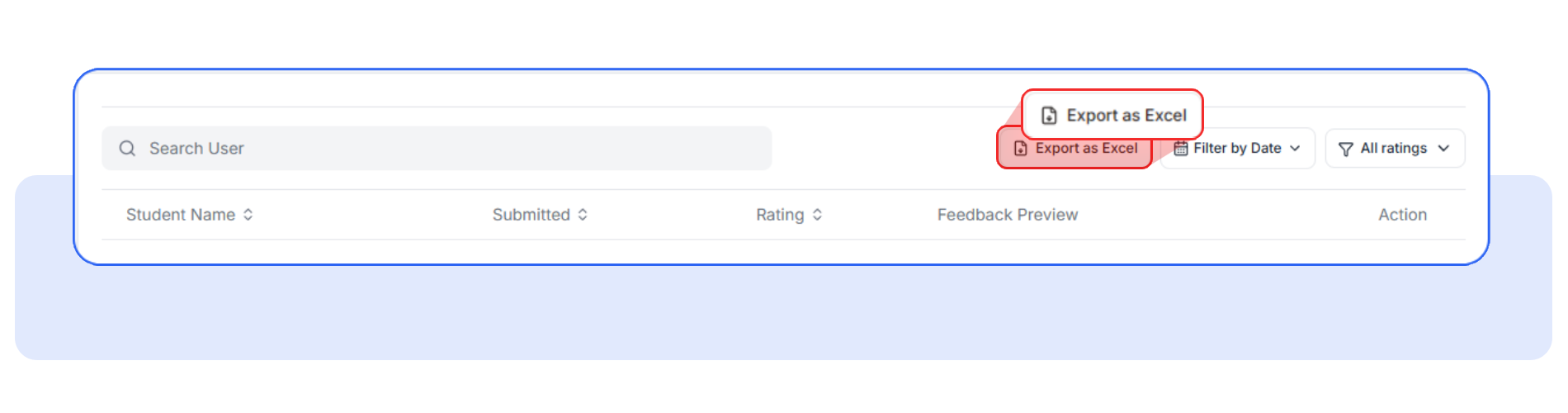
- Easily export data: Admins can export feedback to Excel for deeper analysis.
How It Works?
Here’s a simple walkthrough of how to use the new feature:
- Enable Feedback: From the admin panel, toggle the feedback feature on for a specific course.
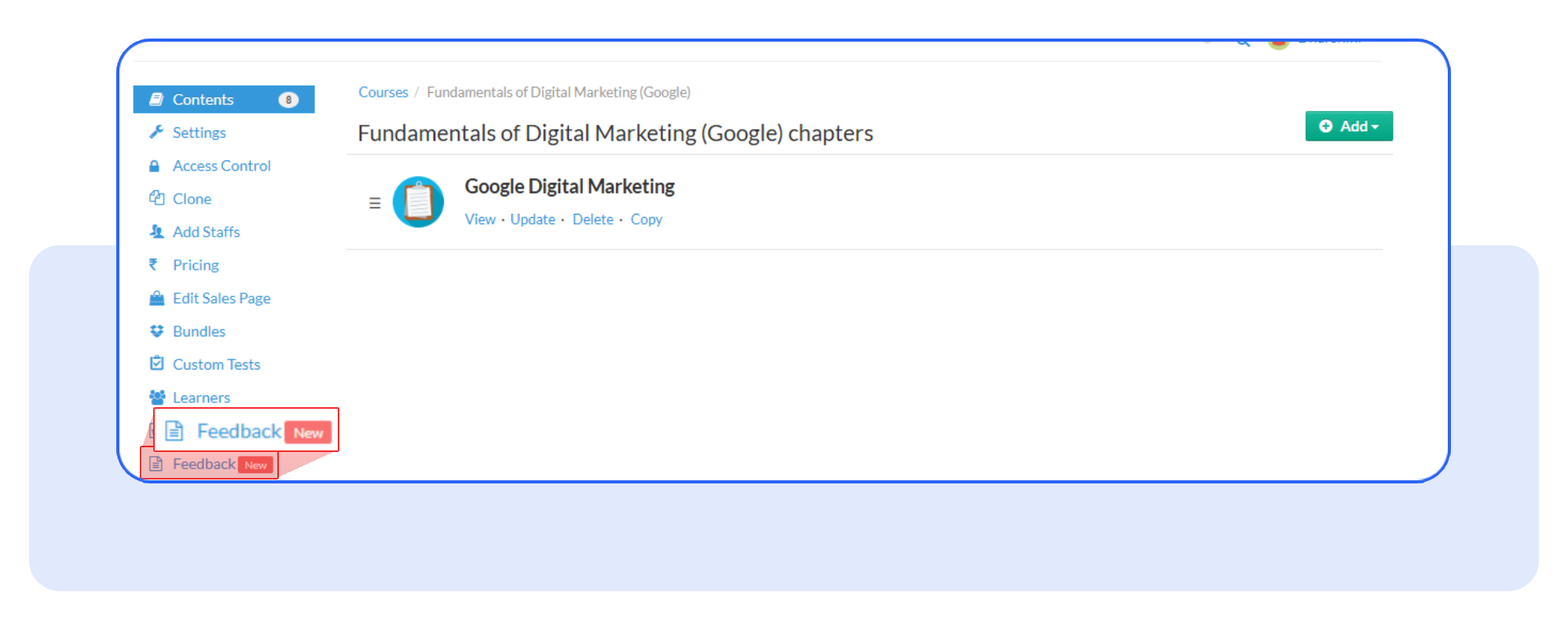
- Customize Questions: Add or edit the default star rating and text-based questions. You can also mark questions as required.
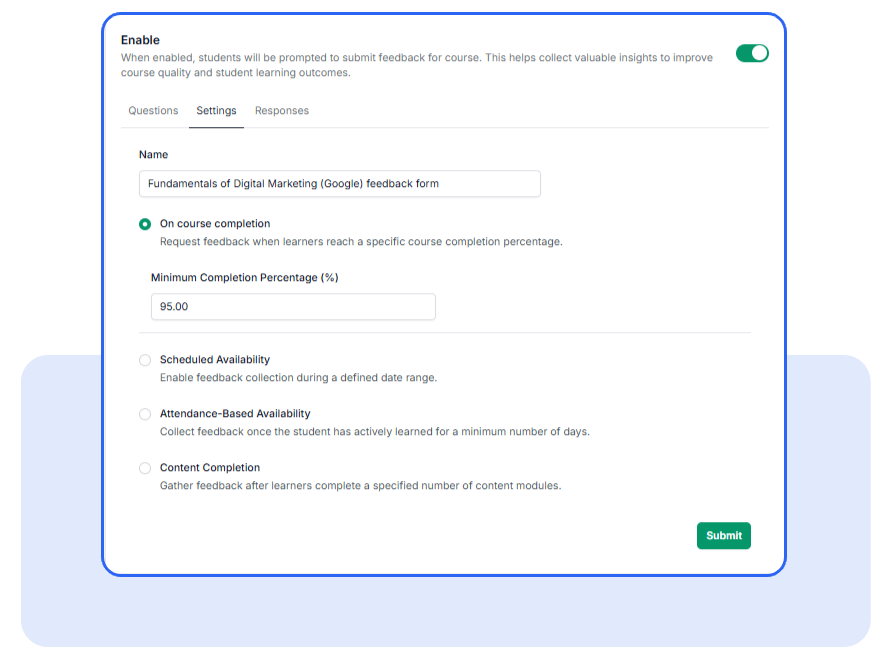
- Configure Feedback Triggers: Admins can choose when to collect feedback like after a specific course completion percentage, based on attendance, or content completion. Simply set your preferences in the settings.
- View & Export: All feedback is stored per course and user. Admins can view aggregated results and export data to excel for further analysis.
Frequently Asked Questions
How do I know if feedback has already been submitted?
The system automatically detects whether a student has submitted feedback. If they have, the form won’t appear again.
Can I delete the default questions?
No, admins cannot delete the default question. This is implemented to ensure that the feedback form always contains at least one question. A default question is automatically created when feedback is enabled for a course.
Can I view all feedback in one place?
Yes. All feedback is aggregated and can be viewed in the admin panel. You can filter by course, and export the data as needed.
Ready to see how the feedback system works in action?
Head to your admin panel now to enable feedback for your courses and start gathering valuable student insights.
Have questions? Our team’s here to help - reach out to support.