Introducing Relative Content Release Schedule

When every learner starts at a different time, your content schedule should adapt automatically.
With Relative Content Release Schedule, you can now release content immediately, on a specific date and time, or a set number of days for the content to be available after each learner enrolls. That means less manual scheduling, more consistent learning experiences, and a better way to build self-paced courses.
You're in the middle of launching a self-paced course.
New learners keep enrolling every week, but your content schedule is tied to fixed calendar dates.
Some learners see everything at once. Others miss the intended learning sequence entirely.
Sound familiar?
You've probably spent more time updating release dates than improving your course.
Or maybe you've given up and made every lesson available on day one, even though that's not how you wanted learners to progress.
But here's the kicker:
Course schedules shouldn't have to change just because enrollment dates do.
That's why we've introduced Relative Content Release Schedule. Now you can decide exactly when content becomes available for each learner, whether that's immediately, on a specific date, or a certain number of days after they enroll. The platform handles the timing automatically, so every learner gets the same structured experience regardless of when they join.
What's New: Relative Content Release Schedule
The new Relative Content Release Schedule gives course administrators three flexible ways to control when learners can access content.
You can now choose from:
- Immediately for instant access
- Specific Date & Time for cohort-based programs and scheduled launches
- Days After Enrollment for self-paced courses with rolling enrollments
The biggest addition is Days After Enrollment.
Instead of configuring new release dates for every learner group, simply choose how many days after enrollment a lesson should unlock. The platform automatically calculates availability for every learner based on their own enrollment date.
Even better, your existing workflows stay intact.
- Immediate release remains the default
- Existing fixed-date schedules continue working
- Optional access end dates are still supported across all release types
every learner based on their own enrollment date.
Even better, your existing workflows stay intact.
- Immediate release remains the default
- Existing fixed-date schedules continue working
- Optional access end dates are still supported across all release types
Why Enrollment-Based Content Release Matters
- Reduce repetitive administrative work by configuring content schedules once instead of updating them for every enrollment batch.
- Deliver consistent learning paths so every learner unlocks lessons in the same sequence.
- Support rolling enrollments effortlessly without sacrificing structured content delivery.
- Improve learner engagement by releasing content progressively instead of overwhelming learners with every lesson on day one.
The result is a learning experience that's easier to manage and easier to follow.
How Relative Content Release Works
Getting started takes only a few steps.
- Go to Course, open the required Chapter, select Content, and then add the content type you need.
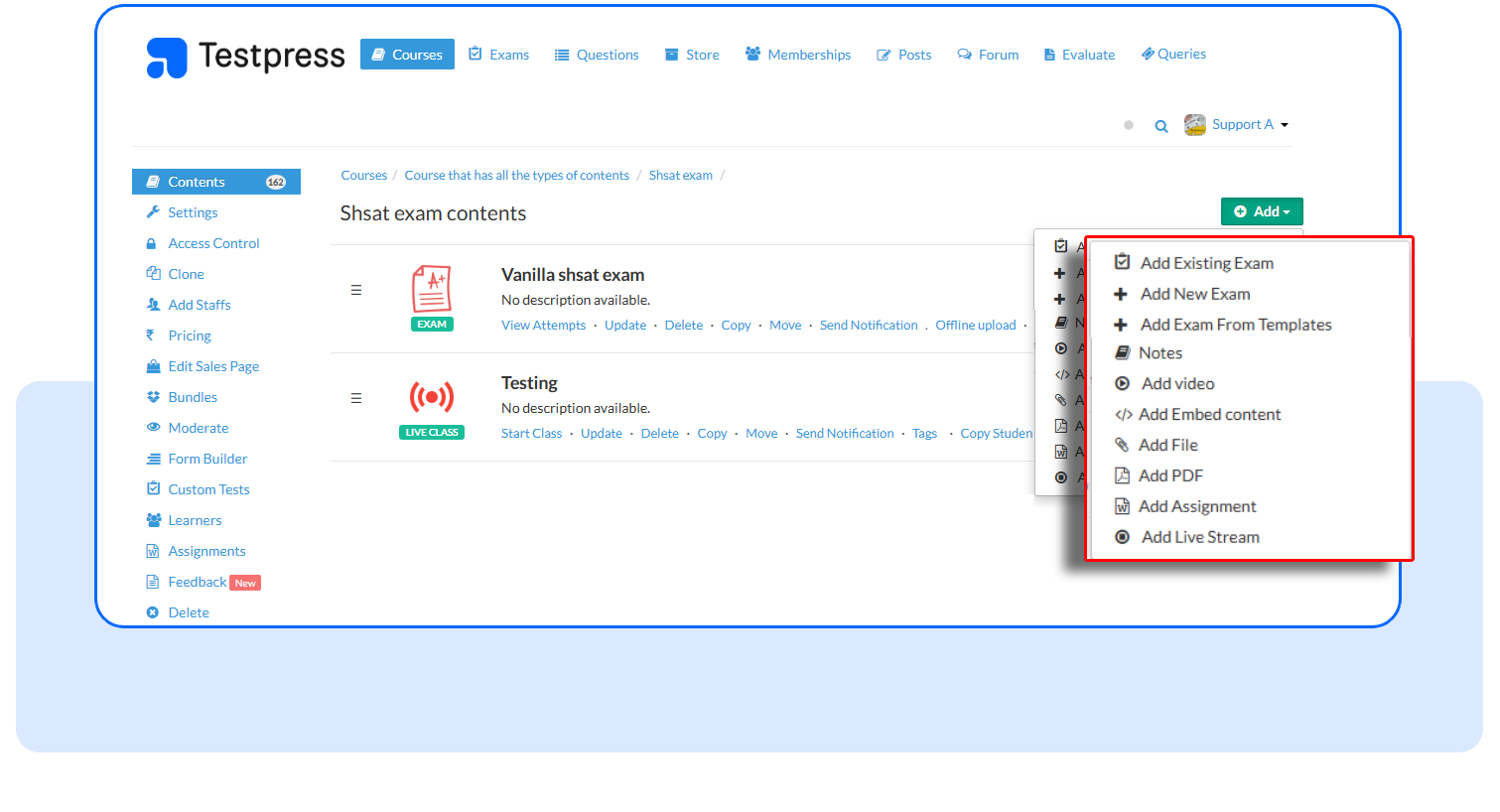
- Under Release Schedule Type, select how you want this content to be released.
You have three options:
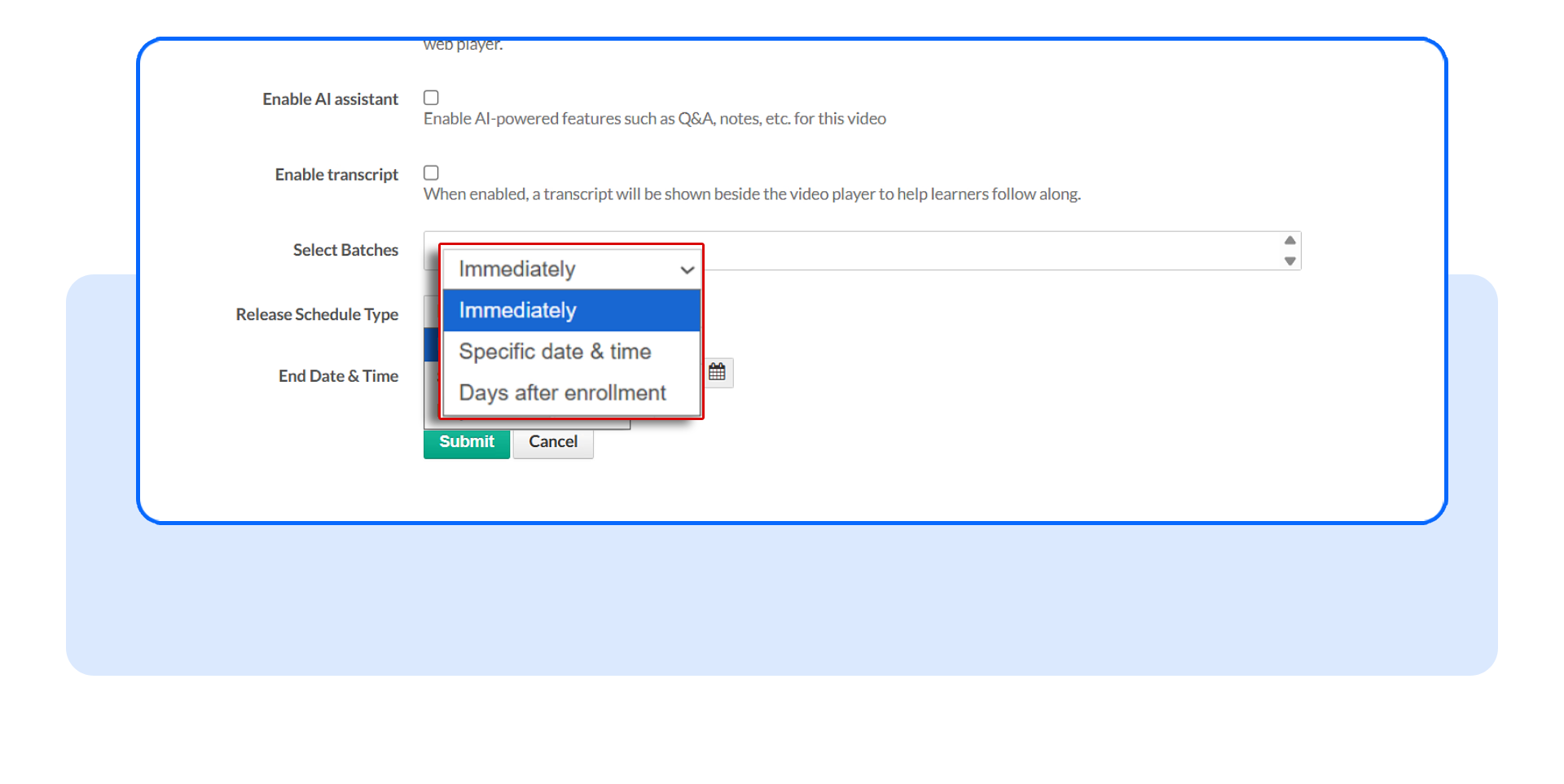
- Immediately to make the content available as soon as it's published.
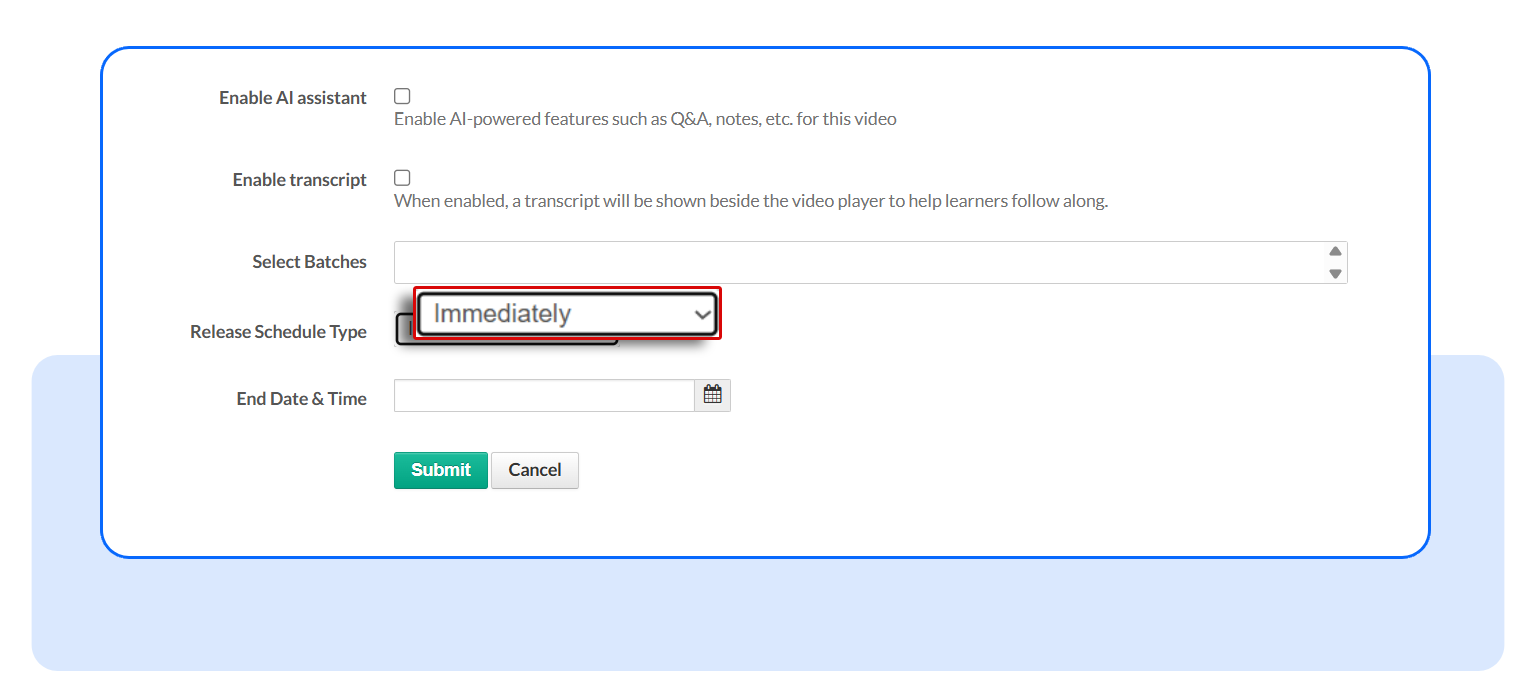
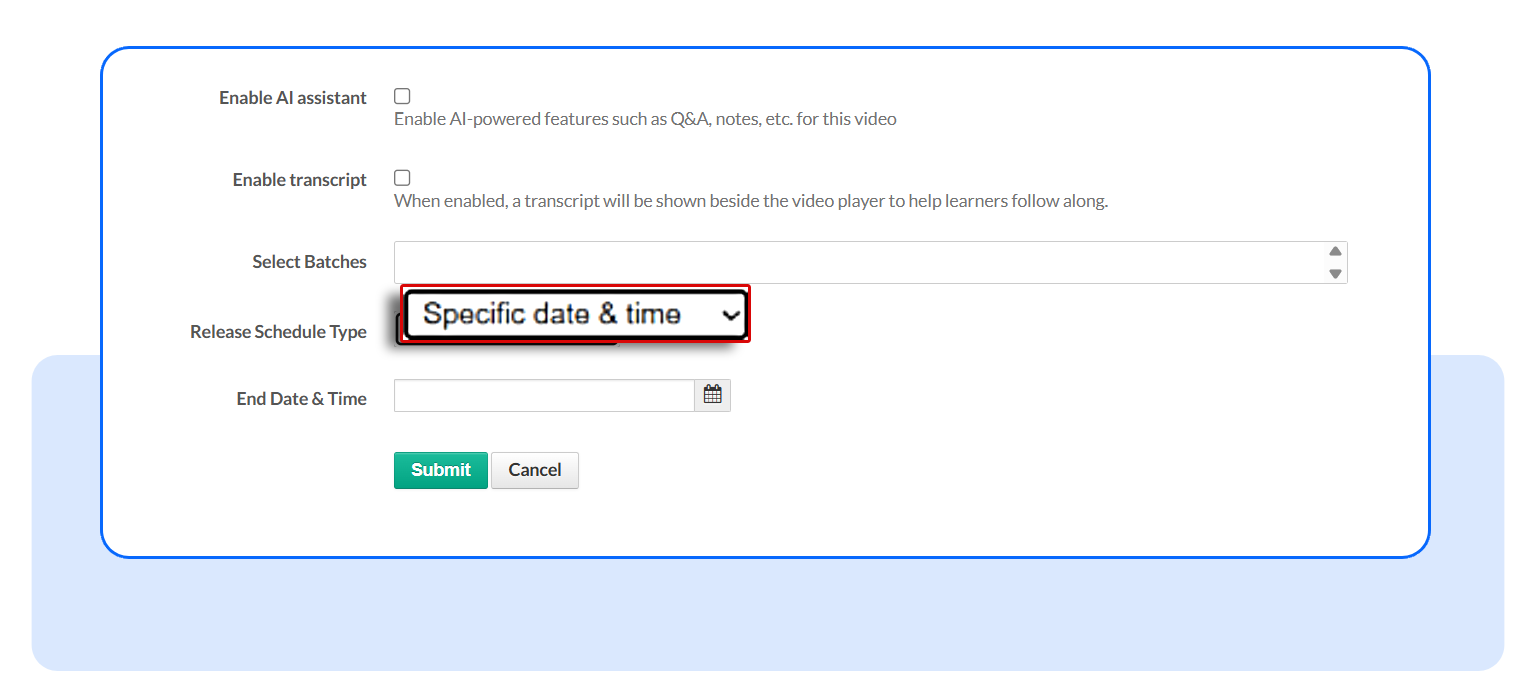
- Specific Date & Time to release the content on a fixed date and time.
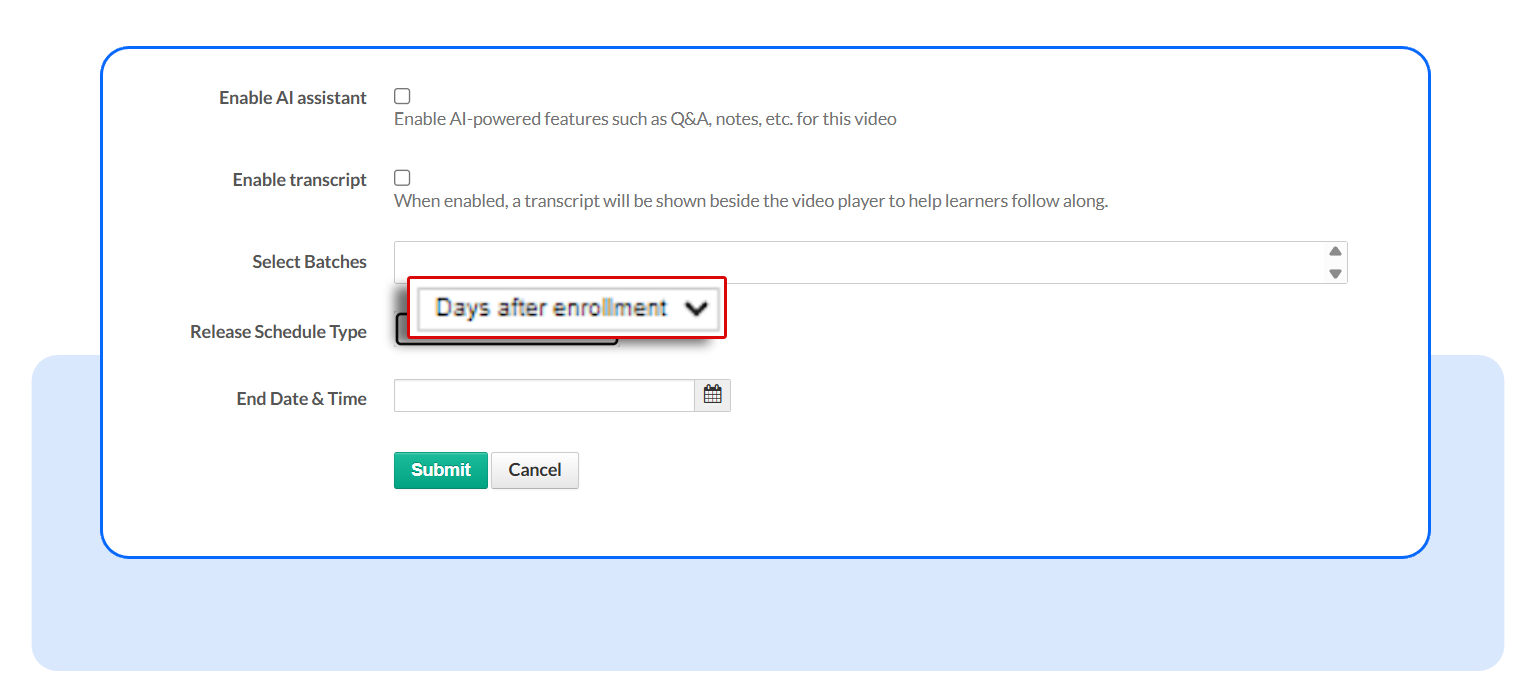
- Days After Enrollment to release the content a set number of days after each learner joins the course.
- Save your changes.
Frequently Asked Questions
Does this replace fixed date scheduling?
No. Fixed date scheduling continues to work exactly as before. The new enrollment-based option simply adds another scheduling method.
Will my existing courses be affected?
No. Existing content continues to behave according to its current configuration, and newly created content still defaults to immediate availability.
Does this work for every content type?
Enrollment-based scheduling is supported for content types that use the standard content availability mechanism. It does not apply to Live Stream or Video Conference content, which continue to follow their event date and time.
Ready to build better self-paced learning experiences?
Try Relative Content Release Schedule the next time you create or edit course content. Configure your preferred release option, preview your learning journey, and let the platform handle the timing so every learner gets the right content at the right moment.
Have questions? Our team’s here to help - reach out to support.